Setting up IDE for starting spring boot development

N
Working as a Principal Software Engineer. I have experience working on Java, Spring Boot, Go, Android Framework, OS, Shell scripting, and AWS. Experienced in creating scalable and highly available systems.
The best ide for working with spring boot is IntelliJ idea.
You can download it from: https://www.jetbrains.com/idea/
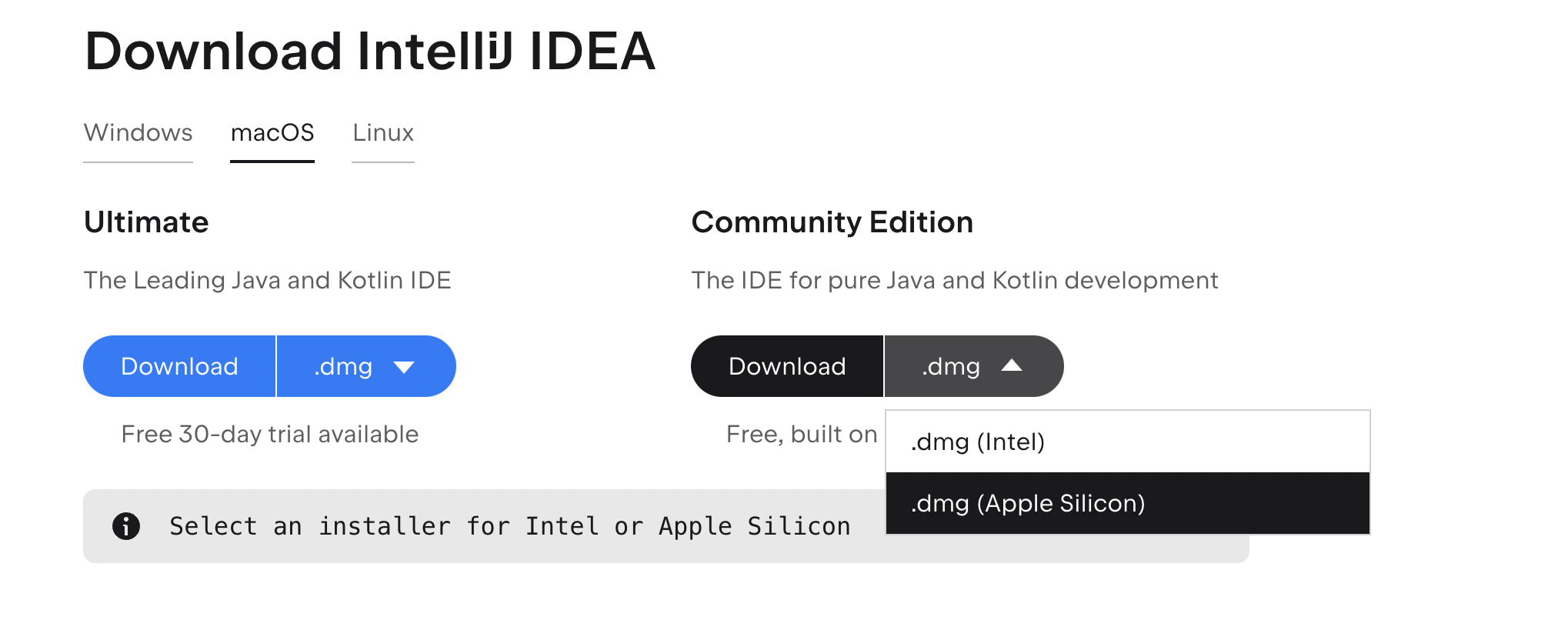
If you mac m1 with Apple silicon, make sure you download the .dmg(Apple Silicon)
it should be aarch64 version and not the x86_64. aarch64 version is way faster than x86_64 version for m1 mac.
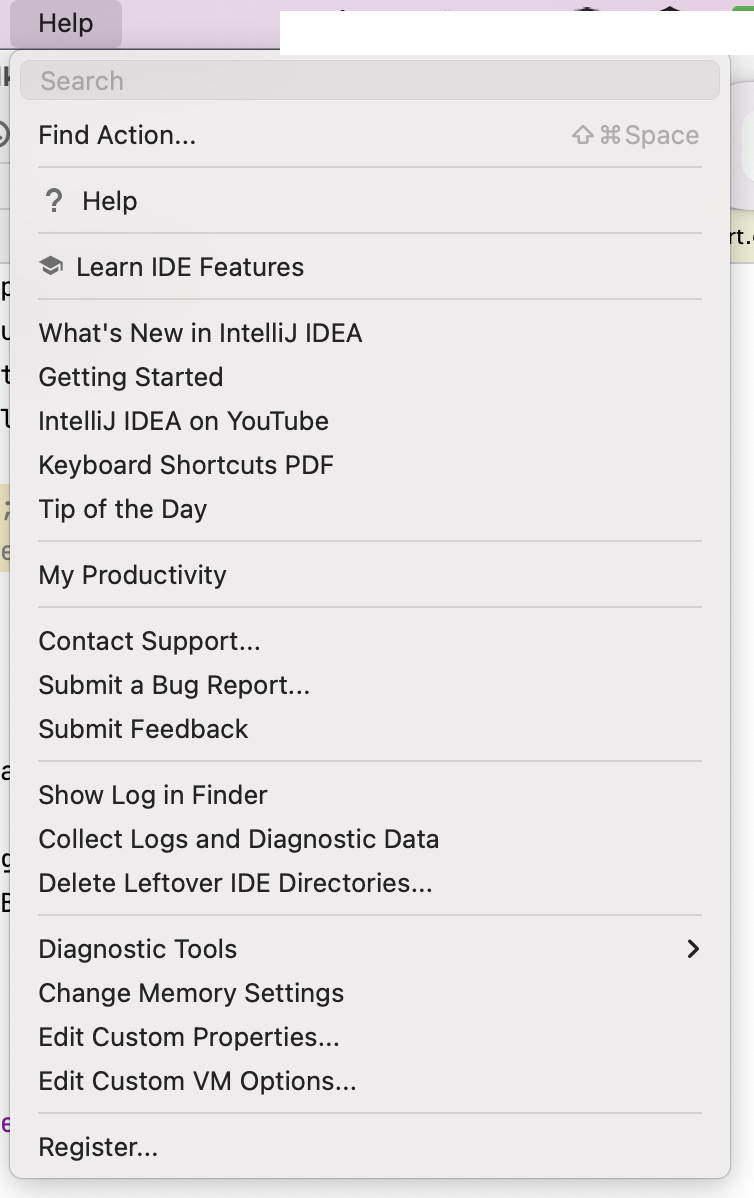
After installation, make sure to increase the RAM, by going to Help->Change Memory Settings

Now you are all set to launch your application development with spring boot and IntelliJ idea.